User Management
Adding Merchant Users
To provide user access to a specific merchant, navigate to that merchants page, and click the Add User button.
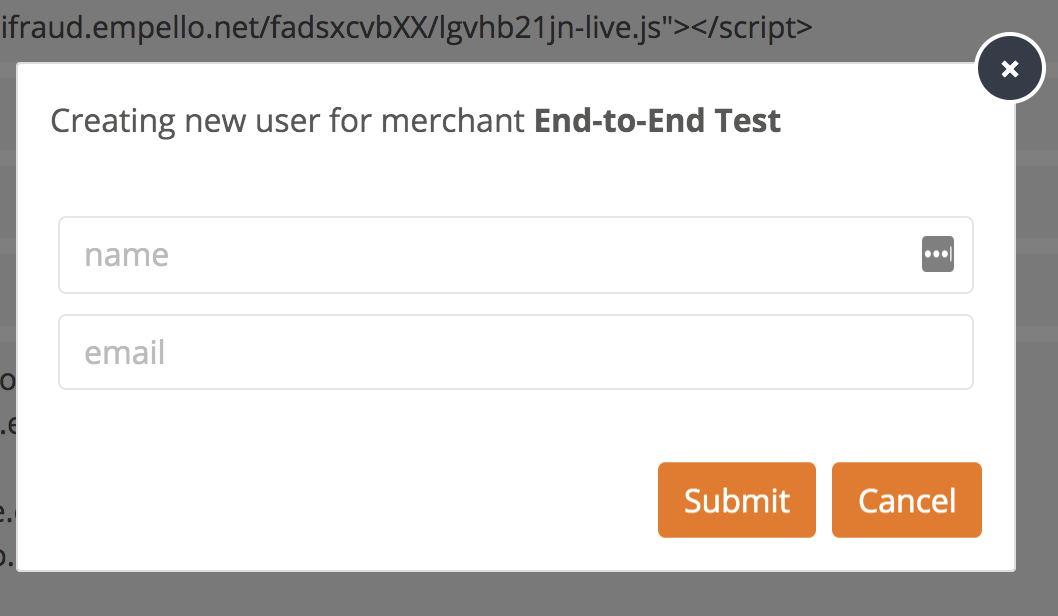
You can repeat this process for as many users as necessary, a user can be added to multiple merchants.
Deleting Merchant Users
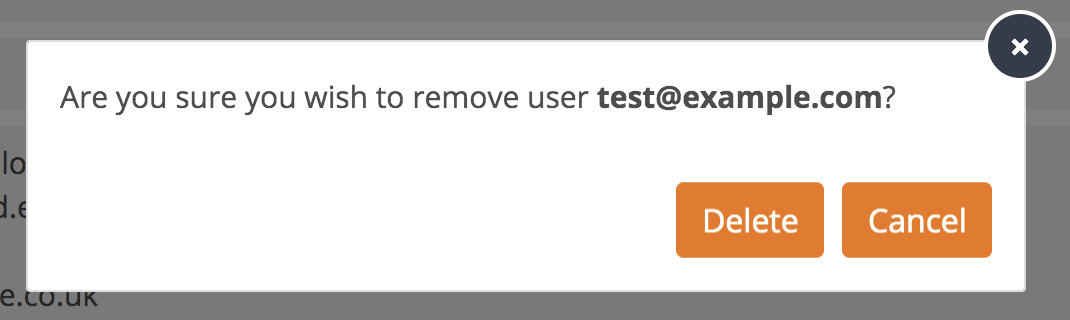
To delete a merchant user, select the user from the list of the merchant page then click on the Delete button.